Slack Reviews: A Comprehensive User Experience and Rating Guide on Irzby
Slack is a multi-functional communication platform designed for teams, businesses, and organizations of varying sizes. It provides a highly interactive environment for real-time messaging, file sharing, archiving, and searching. This article aims to provide a detailed platform evaluation by analyzing Slack user experiences and ratings featured on Irzby. We will cover its key features, pricing, ease of use, and more, while addressing several common questions potential users may have.
What Is Slack?
Slack is a cloud-based team collaboration tool co-founded by Stewart Butterfield, Eric Costello, Cal Henderson, and Serguei Mourachov. Since its inception in 2013, Slack has revolutionized the way teams collaborate online, offering a suite of integrated tools for communication, project management, and workflow automation.
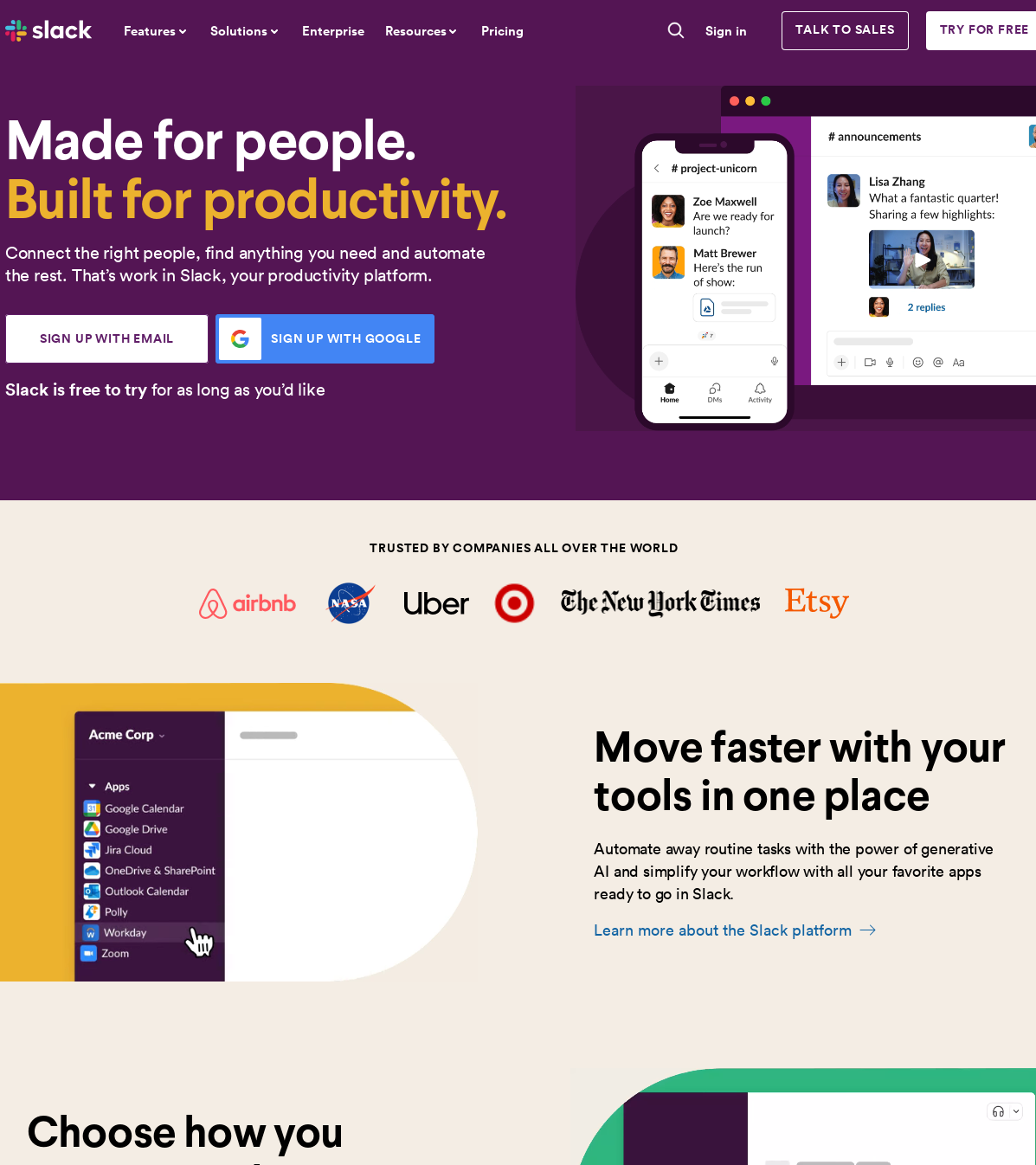
Key Features
- Channels: Slack channels allow for organized communications in the team. Channels can be public (accessible to everyone in the workspace) or private (invitation only). In addition, Slack offers shared channels to interact with individuals from other organizations.
- Direct Messages: For private, one-on-one conversations, Slack provides direct messages (DMs).
- File Sharing: With Slack, members can easily share files, documents, images, and videos with the team.
- Search: This tool features an advanced search function to find conversations and files quickly.
- Integrations: Slack supports integration with numerous third-party apps such as Google Drive, Trello, Github, and more.
How Much Does Slack Cost?
Pricing is a crucial factor for businesses when choosing a collaborative platform. Slack offers several plans to fit different needs:
- Free: A basic version with limitations like 10,000 searchable messages and 10 integrations.
- Standard: At $6.67 per user/month, it offers unlimited message archives, app integrations, and group calls for small and medium-sized businesses.
- Plus: At $12.50 per user/month, it provides advanced identity management and compliance features for larger businesses.
- Enterprise Grid: Pricing available on request, it provides extensive features for large, complex organizations.
Please note that these prices are subject to change and depend on various factors, including billing frequency and location.
How Easy Is Slack to Use?
Ease of use is another critical characteristic for anyone considering Slack for their operations. It offers a clean and intuitive user interface that's easy to navigate, even for beginners. Slack also provides several help resources, including tutorials, an online help center, and an active community forum.
User Experience Ratings
On Irzby, Slack has received a high user rating for its seamless, intuitive, and innovative platform. Users have particularly praised its ability to integrate with other software effortlessly, the efficient notification system, and the centered communication which saves time. However, some users have remarked that the platform could be overwhelming for new users and could be slightly expensive for smaller teams.
Pros:
- Ease of use: Users love Slack's simple, intuitive layout.
- Team collaboration: Slack shines in facilitating communication and collaboration.
- Integration: Slack's ability to connect with a variety of apps gets high marks.
- Notification system: Users appreciate the manageable, efficient notifications.
Cons:
- Overwhelming for newcomers: Some users find Slack's myriad features daunting at first.
- Cost: For smaller teams, the cost can be high.
Frequently Asked Questions
What makes Slack different from other collaborative tools?
Aside from its features, what sets Slack apart is its robust functionality and smooth integration with other popular business apps. It is designed with a focus to replace email as a primary method of communication and sharing.
Is Slack suitable for small companies?
Definitely, it provides a free version that is ideal for small teams. The premium versions offer better features and are also reasonably affordable for small to medium-sized businesses.
Is my data secure on Slack?
Slack takes security seriously. It offers features like two-factor authentication and SSO, and follows data protection practices such as encryption.
In conclusion, Slack appears to be an excellent tool for team collaboration and communication in a business context. Its robust list of features, simple user interface, and overall flexibility make it worthy of consideration for any team or business looking to enhance their virtual communication. Remember, the most suitable tool depends on your specific needs and circumstances. Therefore, it's worth trying out the free version of Slack to get a firsthand experience of its offerings.